By continuing to use this website you confirm you are 18 years of age or older and agree with the storage and handling of your data in accordance with our Cookie and Privacy policies
Having trouble calling premium 09 numbers or shortcodes? Avoid all network restrictions and access charges and simply pay for calls with Credits instead.
Blondegirl Live Streams and Creator Styles on Xpanded
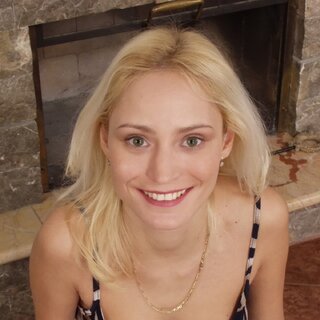
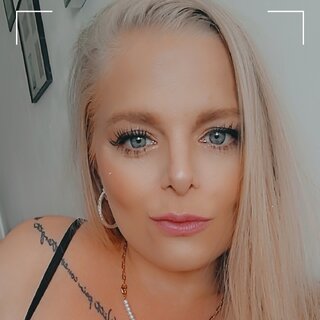
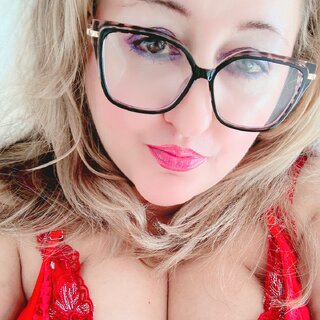
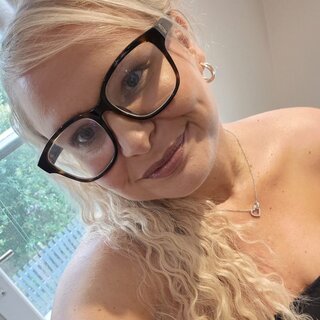
Blondegirl creators on Xpanded usually sell the look through more than hair color. You see it in lighting choices, soft camera framing, makeup tones, and the way each performer sets a scene before a photo drop or live session starts. If you already search this category, you're probably checking for screen presence, pacing, and direct access rather than a generic profile grid.
What happens during Blondegirl live streams?
Live streams in this niche usually work well when the creator controls the pace and lets requests shape the room. Some performers open with casual talk, outfit checks, and close-up framing before they move into request-led segments. Others keep a stricter show structure, with tip goals, timed actions, and short pauses between scenes so fans can redirect the energy. If you like Blondegirl live streams with direct eye contact, watch how a creator reads chat while staying in character. That skill matters. A performer who can answer messages, adjust angles, and keep the mood steady will feel different from someone who treats the camera like a static recording setup.
How do creators handle private chat and direct messages?
Private chat usually gives you a clearer read on the creator's boundaries, timing, and personal style. You may find performers who answer with quick replies between shoots, while others set aside message blocks after live sessions. Some creators here offer voice messages, custom captions, or short selfie clips as part of direct messaging, so the interaction can feel more personal than public comments. If you care about fast responses, check whether a profile mentions chat hours or request rules. And if you prefer slower build-up, look for creators who write in a conversational tone rather than sending stock replies. The difference shows fast once a conversation moves past the first message.
What should you expect from photo sets and short videos?
Photo sets in this category tend to rely on styling, color contrast, and close framing. Blonde hair catches light quickly, so creators who understand lighting often use mirrors, warm lamps, white sheets, or outdoor glare to shape the shot. Short videos usually focus on movement, eye contact, hair play, and the first few seconds of scene-setting because those details tell you whether the performer's style matches your taste. Some creators post polished sets on a schedule, while others drop raw phone clips after a live show. Neither approach automatically feels better. The stronger choice depends on whether you prefer a planned aesthetic or a looser, behind-the-camera feel.
Who usually browses this category on Xpanded?
This category usually fits you if you already know the look you want but still care about personality and access. Some fans come for glamour styling, with curls, bright makeup, lingerie pairings, and clean studio framing. Others prefer the casual version: messy hair, bedroom lighting, unfiltered chat, and a performer who talks like she knows who is in the room. The search intent splits between visual preference and interaction style, so the clearest profiles make both clear. You shouldn't have to guess whether a creator focuses on live cam shows, photo drops, custom clips, or message-led attention. The profile should show the format before you spend time reading every post.
How do performers keep the blonde aesthetic clear on camera?
Creators keep the aesthetic clear by treating hair, lighting, wardrobe, and background as part of the same scene. A cool-toned blonde usually reads better against black fabric, blue light, or clean white walls, while warmer shades work well with gold jewelry, tan lines, and softer makeup. Some performers build an entire persona around the look: bratty, sweet, polished, playful, or more candid. Those personas change the camera behavior. A playful creator may lean into teasing pauses and chat prompts, while a polished performer may use slower poses, tighter edits, and more controlled facial expressions. If you know which version pulls you in, this category becomes easier to scan.
Creators often mark request limits in profile notes, especially around custom clip length, reply windows, and whether voice messages cost extra. Those small details matter because two profiles with the same visual style can handle timing, payment prompts, and private requests in very different ways.